Virtual Assistant Security: How to Protect Your Business Data
Virtual Assistant Security: How to Protect Your Business Data
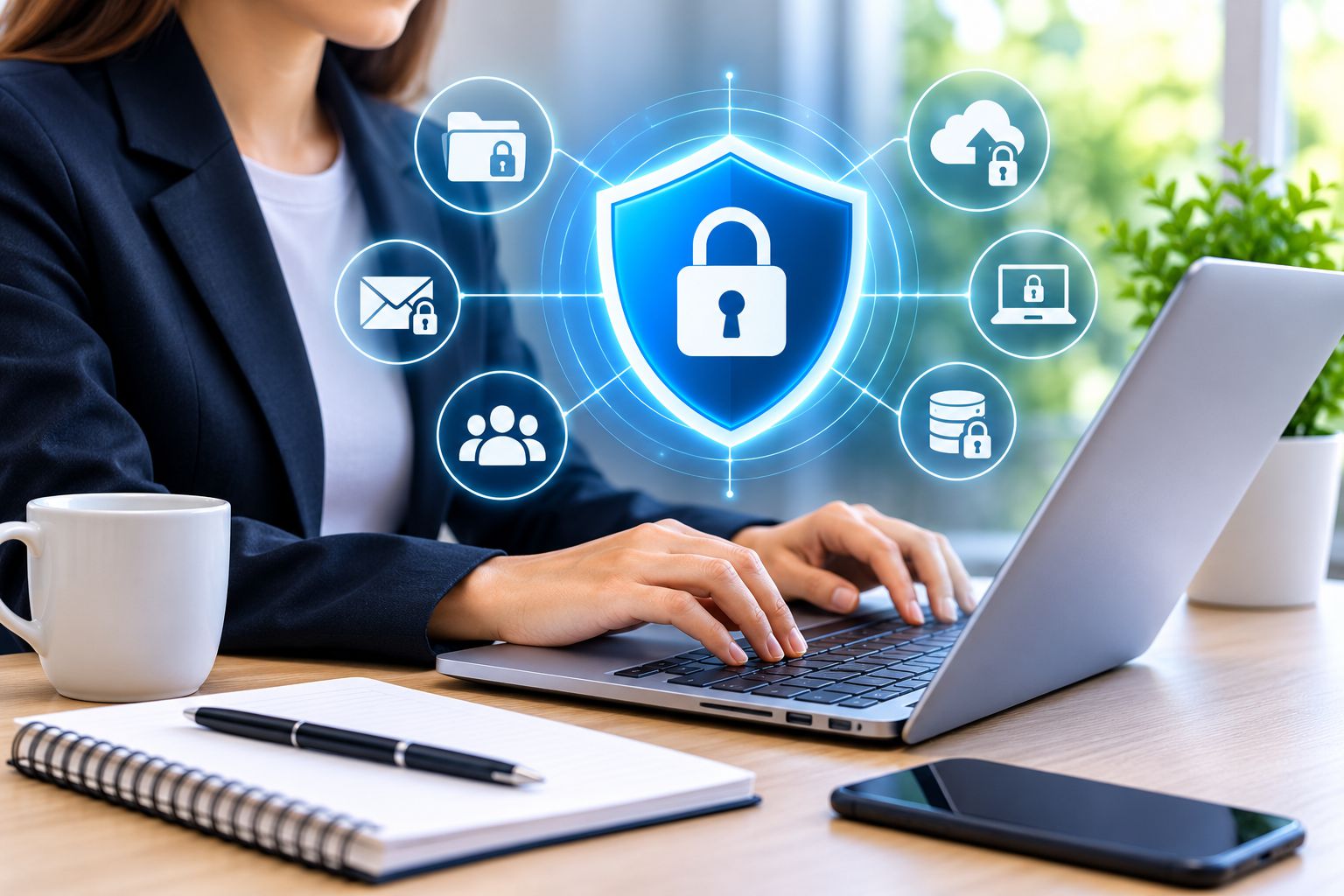
Virtual Assistant Security is essential for businesses that rely on remote professionals to manage daily operations, customer information, administrative tasks, and confidential company records. While hiring a virtual assistant (VA) can save time and improve productivity, it also means sharing access to important business information. Without proper security measures, your company may face risks such as data breaches, unauthorized access, phishing attacks, and information leaks.
Whether you work with a freelance virtual assistant or hire through an agency, protecting your business data should always be a priority. Establishing clear security guidelines, using reliable tools, and providing proper training can help keep your information safe while allowing your virtual assistant to work efficiently.
In this guide, you’ll learn practical ways to strengthen security, protect sensitive information, and build a trustworthy working relationship with your virtual assistant.
Why Virtual Assistant Security Matters for Your Business
Virtual assistants often handle information that should remain confidential. Depending on their responsibilities, they may access customer databases, email accounts, financial documents, marketing platforms, scheduling systems, and internal business files.
If these resources are not properly protected, even a small security mistake can create serious problems.
Here are some reasons why security should be a priority when working with a VA:
- Protects confidential information: Helps prevent unauthorized access to customer details, financial records, and company documents.
- Builds customer trust: Customers are more confident when they know their personal information is handled responsibly.
- Prevents financial losses: Strong security practices reduce the risk of scams, fraudulent transactions, and costly data breaches.
- Maintains business operations: Protecting important files and accounts helps prevent disruptions caused by cyberattacks.
- Supports business reputation: Proper information handling demonstrates professionalism and responsibility.
By making security part of your remote work process, you can enjoy the benefits of delegation without unnecessarily exposing your business to risks.
Common Security Risks When Hiring a Virtual Assistant
Understanding potential threats is the first step toward protecting your business. Even experienced virtual assistants can encounter security issues if they use unsecured devices, weak passwords, or unreliable internet connections.
Here are some common risks to consider.
1. Unauthorized Access to Business Accounts
Giving a virtual assistant access to your email, website, social media accounts, or project management tools can create security concerns. If access permissions are not properly managed, unauthorized individuals may gain access to sensitive information.
To prevent this, provide access only to the accounts and features necessary for completing assigned tasks.
2. Weak Passwords and Poor Account Protection
Weak or reused passwords make business accounts easier to compromise. If your VA uses the same password across multiple platforms, a security breach on one website could put other accounts at risk.
Encourage the use of strong, unique passwords and multi-factor authentication (MFA).
3. Phishing Emails and Online Scams
Phishing attacks involve fraudulent emails, messages, or websites designed to trick people into sharing passwords or confidential information.
Virtual assistants who regularly manage business emails and customer communications may encounter suspicious messages. Without proper awareness, they could accidentally click harmful links or download malicious attachments.
4. Unsecured Internet Connections
Remote workers sometimes connect to public Wi-Fi networks in coffee shops, airports, or other public places. These networks may expose sensitive information if proper security measures are not used.
Virtual assistants should use secure, password-protected networks and avoid accessing confidential business accounts through unsecured connections.
5. Improper Handling of Confidential Files
Business documents may contain customer details, financial information, employee records, and other sensitive data. Downloading files to personal devices or sharing them through unapproved platforms can increase the risk of information exposure.
Establish clear rules about storing, transferring, and deleting business files.
10 Practical Ways to Improve Virtual Assistant Security
Protecting business information does not have to be complicated. With the right policies and tools, you can create a safer working environment for your remote team.
Consider implementing these security practices.
1. Use Strong and Unique Passwords
Require your virtual assistant to use strong passwords for every business-related account. A good password should be difficult to guess and should not contain easily identifiable personal information.
Consider using a reputable password manager to generate and store secure passwords. This allows your VA to access approved accounts without sharing passwords through ordinary emails or chat messages.
2. Enable Multi-Factor Authentication
Multi-factor authentication adds another layer of protection to your business accounts. Instead of relying only on a password, users must provide an additional verification method, such as an authentication app, security key, or approved verification code.
Enable MFA on important platforms, including:
- Business email accounts
- Cloud storage services
- Social media accounts
- Accounting software
- Website administration platforms
- Project management tools
Even if someone obtains a password, MFA can make unauthorized access more difficult.
3. Limit Access to Sensitive Information
One of the most effective ways to improve Virtual Assistant Security is to follow the principle of least privilege. This means giving your VA access only to the information and systems required for their assigned responsibilities.
For example, a virtual assistant handling social media scheduling does not necessarily need access to your company’s financial records.
Review permissions regularly and remove access to accounts that are no longer needed.
4. Use Secure File-Sharing Platforms
Avoid sending confidential business documents through unsecured channels. Instead, use reliable file-sharing and cloud storage platforms with access controls and encryption.
Tools such as Google Drive, Microsoft OneDrive, and Dropbox offer features that help businesses manage document access and sharing permissions.
When sharing files:
- Restrict access to authorized users.
- Avoid public sharing links for confidential documents.
- Set appropriate viewing and editing permissions.
- Remove access when a project ends.
- Review shared folders regularly.
These practices help prevent accidental exposure of important business information.
5. Create a Confidentiality Agreement
Before allowing a virtual assistant to access sensitive company information, consider requiring them to sign a confidentiality agreement or non-disclosure agreement (NDA).
This document should explain what information must remain confidential and how business data should be handled.
A confidentiality agreement may cover:
- Customer and employee information
- Financial documents
- Business strategies and plans
- Login credentials
- Internal communications
- Proprietary company materials
Make sure the agreement clearly outlines the VA’s responsibilities and the consequences of violating confidentiality requirements.
6. Provide Cybersecurity Training
Do not assume that every virtual assistant understands cybersecurity best practices. Even skilled professionals may need guidance about your company’s specific security policies.
Provide basic training on recognizing phishing emails, creating secure passwords, protecting devices, and handling confidential documents.
You can also share written guidelines that explain what your VA should do when they receive suspicious messages or notice unusual account activity.
Regular training helps create better security habits and reduces preventable mistakes.
7. Require Secure Devices and Software Updates
Virtual assistants should use devices with updated operating systems, browsers, and security software. Outdated applications may contain vulnerabilities that attackers can exploit.
Encourage your VA to:
- Install software and security updates regularly.
- Use reputable antivirus or endpoint protection software.
- Enable device screen locks.
- Avoid downloading unknown applications.
- Keep work-related devices protected.
- Avoid sharing devices with unauthorized users.
These simple precautions help protect business information from common cybersecurity threats.
8. Establish Clear Data Protection Policies
Create written policies explaining how your virtual assistant should access, store, share, and dispose of business information.
Your guidelines should address important questions, such as:
- Which files can the VA download?
- Where should business documents be stored?
- Can confidential information be shared with other team members?
- What should happen when a customer requests the removal of personal information?
- How should security incidents be reported?
Clear policies help avoid confusion and ensure everyone understands their responsibilities.
9. Monitor Account Activity and Access Permissions
Monitoring business accounts helps you identify unusual activity before it becomes a bigger problem.
Many online platforms provide security logs, login notifications, and account activity reports. Review these records periodically to check for unfamiliar devices, suspicious login attempts, or unexpected changes.
Monitoring should focus on protecting company systems and information while respecting your virtual assistant’s privacy.
10. Remove Access When the Working Relationship Ends
When a virtual assistant resigns, completes a project, or no longer needs access to your systems, immediately review and revoke their permissions.
Your offboarding checklist should include:
- Changing shared passwords when necessary.
- Revoking access to business accounts.
- Removing permissions from cloud storage.
- Recovering company-owned devices and materials.
- Requesting the return or deletion of confidential files.
- Confirming that access to communication and project management tools has ended.
A proper offboarding process prevents former team members from retaining unnecessary access to your business information.
How to Choose a Virtual Assistant Who Understands Data Security
Security begins before you hire someone. Choosing a responsible and trustworthy virtual assistant can help reduce the risks associated with sharing confidential business information.
During the hiring process, ask candidates about their experience handling sensitive data and their approach to cybersecurity.
Here are some important qualities to look for:
Experience Handling Confidential Information
Look for candidates who have previously managed customer records, business documents, or administrative information. Ask how they protect sensitive data while completing their daily responsibilities.
Knowledge of Security Tools
A qualified virtual assistant should understand basic security practices, including password management, multi-factor authentication, secure file sharing, and device protection.
Professionalism and Reliability
Trustworthiness is important when giving someone access to your business systems. Check references, review their work history, and establish clear expectations before assigning responsibilities.
Willingness to Follow Security Policies
A reliable VA should be willing to follow your company’s confidentiality requirements and data protection procedures. They should also communicate promptly if they notice suspicious activity or potential security problems.
Virtual Assistant Security Tools Every Business Should Consider
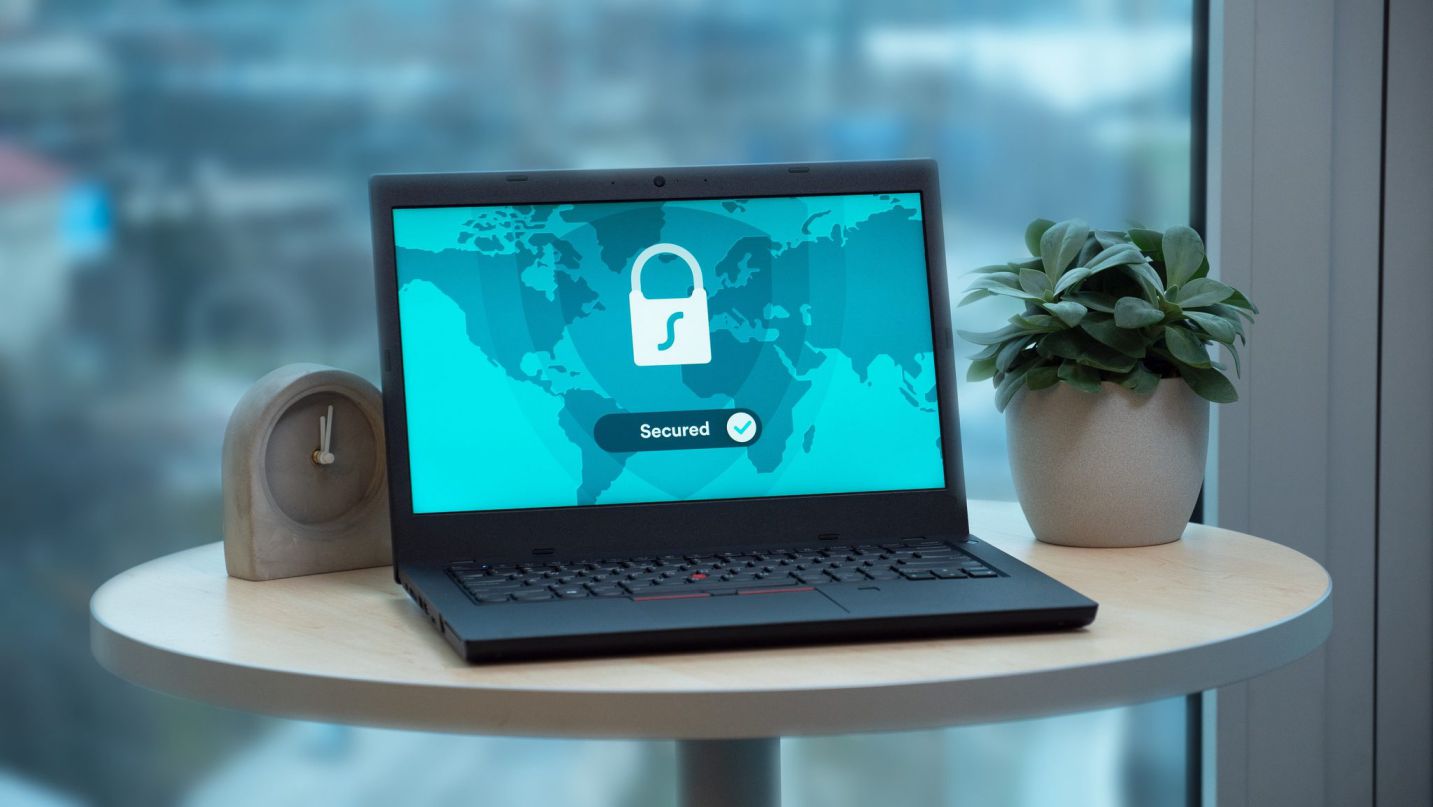
Using the right tools can make it easier to protect company information and manage remote access.
Here are several categories of tools worth considering:
| Tool Category | Examples | Main Purpose |
|---|---|---|
| Password Managers | 1Password, Bitwarden | Securely store and share credentials |
| Cloud Storage | Google Drive, Dropbox, OneDrive | Store and share business documents |
| Authentication Apps | Google Authenticator, Microsoft Authenticator | Add extra account protection |
| Antivirus Software | Bitdefender, Malwarebytes | Help detect and prevent malicious software |
| Communication Tools | Slack, Microsoft Teams | Manage business communication |
| Project Management | Asana, Trello | Organize tasks and control project access |
Choose tools based on your business needs, security requirements, and budget. Before adopting any platform, review its security features, privacy policies, and access management options.
What to Do If a Virtual Assistant Security Breach Occurs
Even with preventive measures, security incidents can still happen. A virtual assistant may accidentally share a confidential file, click a phishing link, or notice suspicious activity on a business account.
Knowing how to respond quickly can help limit the damage.
Follow these steps if you suspect a security breach:
- Identify the problem. Determine which accounts, devices, or files may have been affected.
- Secure compromised accounts. Change affected passwords, revoke suspicious sessions, and enable additional security measures.
- Restrict unauthorized access. Temporarily suspend compromised accounts or permissions when necessary.
- Preserve relevant evidence. Keep records of suspicious emails, login alerts, and unusual account activity.
- Assess the impact. Identify what information may have been exposed and which individuals or systems could be affected.
- Notify affected parties when required. Follow applicable data protection laws and reporting obligations.
- Review your security procedures. Determine what went wrong and improve your policies to prevent similar incidents.
If sensitive personal information is involved, seek professional cybersecurity and legal guidance to ensure the incident is handled properly.
Frequently Asked Questions About Virtual Assistant Security
1. Is it safe to give a virtual assistant access to my business accounts?
Yes, it can be safe if you establish proper security measures. Use individual user accounts whenever possible, enable multi-factor authentication, and provide only the permissions needed to complete assigned tasks.
2. How can I protect confidential information when working with a virtual assistant?
Use confidentiality agreements, secure file-sharing platforms, strong passwords, and access restrictions. You should also establish clear guidelines about how your VA can store, access, and share business information.
3. Should I require my virtual assistant to use a VPN?
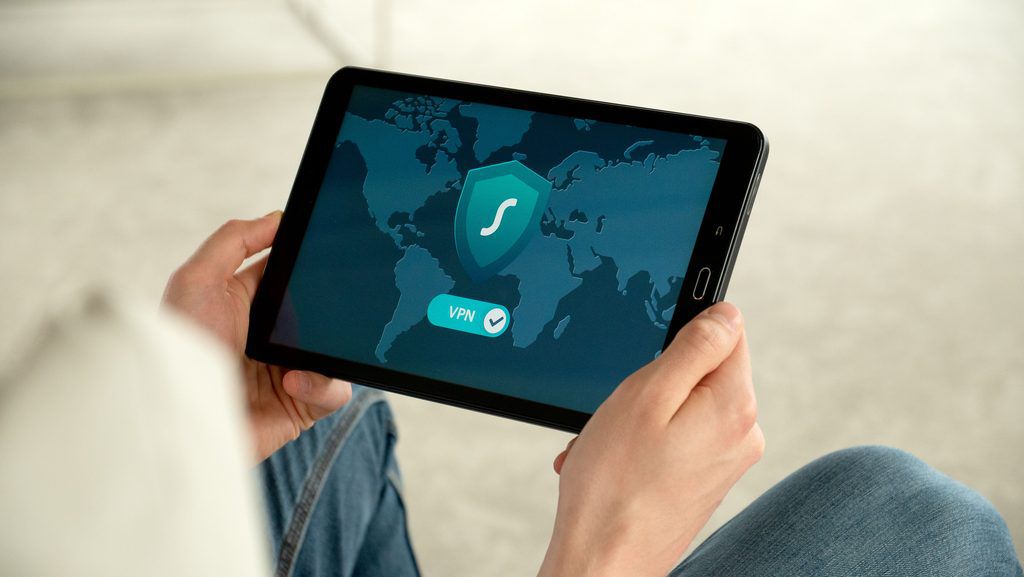
A virtual private network (VPN) can help protect internet traffic, particularly when connecting through public or untrusted networks. However, a VPN alone does not guarantee security. It should be combined with secure devices, MFA, updated software, and safe browsing practices.
4. Can a virtual assistant access my customer information?
Yes, if customer information is necessary for their assigned responsibilities and you have properly authorized that access. However, access should be limited to what is necessary, and customer information must be handled according to applicable privacy laws and company policies.
5. What should I include in a virtual assistant security policy?
Your policy should cover password management, account permissions, confidentiality, file sharing, device protection, cybersecurity training, incident reporting, and access removal when the working relationship ends.
Final Thoughts: Make Virtual Assistant Security a Business Priority
Hiring a virtual assistant can help your business become more productive, organized, and efficient. However, sharing access to company systems and confidential information requires careful planning.
Virtual Assistant Security should be part of your hiring process and everyday business operations. By using strong passwords, enabling multi-factor authentication, limiting account permissions, providing cybersecurity training, and establishing clear data protection policies, you can reduce security risks and protect valuable business information.
Remember that security is an ongoing responsibility. Review your procedures regularly, communicate expectations clearly, and work with virtual assistants who understand the importance of protecting your company’s data.
With the right precautions, you can confidently delegate tasks, build a productive remote team, and focus more on growing your business.
Latest Blogs

Virtual Assistant Job Post: How to Attract Top Talent

Part-Time Virtual Assistant: Benefits, Tips, and Hiring Guide

Virtual Assistant Productivity: How to Track Work and Results

Virtual Assistant Hourly Rates: How Much Do They Cost?